1 / 9

NMS School Portal: Access, Communication & Updates

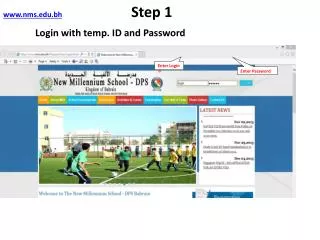
Login with temporary ID & Password to access your personal email, change password, send group messages, update parent info, and stay informed about school updates and upcoming features like viewing progress reports online.

Download Presentation

NMS School Portal: Access, Communication & Updates

An Image/Link below is provided (as is) to download presentation Download Policy: Content on the Website is provided to you AS IS for your information and personal use and may not be sold / licensed / shared on other websites without getting consent from its author. Content is provided to you AS IS for your information and personal use only. Download presentation by click this link. While downloading, if for some reason you are not able to download a presentation, the publisher may have deleted the file from their server. During download, if you can't get a presentation, the file might be deleted by the publisher.

E N D

Presentation Transcript


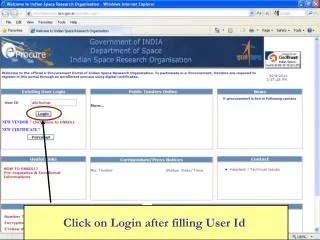
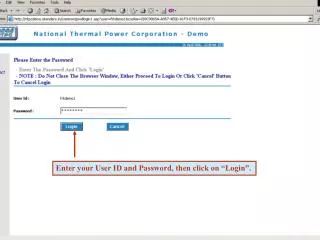
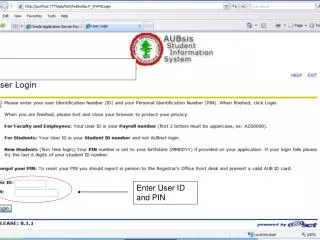
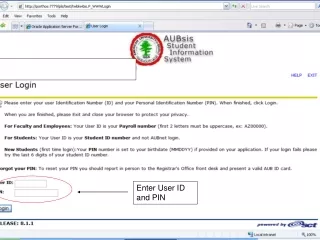
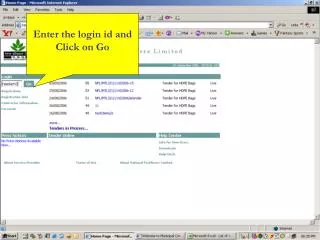
  1. www.nms.edu.bhStep 1 Login with temp. ID and Password Enter Login ID Enter Password

  2. Step 2

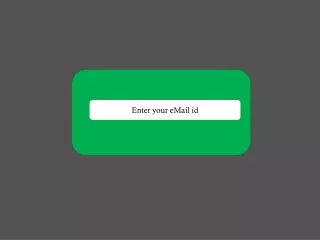
  3. Step 3 Enter your Personal Email ID.

  4. Step 4For changing the password

  5. Step 5 Email communication with school

  6. Step 6For sending group message

  7. Step 7Update parent Information

  8. Step 8

  9. We are adding more features.After few weeks you will be able to view progress report of your ward also. • You may send a text message to confirm that the system is working.
More Related