
PRESENTED BY
lycoris
5 SLIDES
167 VIEWS
50 LIKES
ABECELEE Tutorial #1: Creating a New Owner Account
DESCRIPTION
This tutorial guides you through the process of creating a new owner account on ABECELEE. Start by visiting www.abecelee.com, which will lead you to the main page. Click on the "Sign Up" button and fill in all the required fields marked in red. After completing the registration form, click on "Register." Finally, wait for a confirmation message from ABECELEE to complete your account setup. Thank you for choosing ABECELEE!
Download
1 / 5
Download Presentation 
ABECELEE Tutorial #1: Creating a New Owner Account
An Image/Link below is provided (as is) to download presentation
Download Policy: Content on the Website is provided to you AS IS for your information and personal use and may not be sold / licensed / shared on other websites without getting consent from its author.
Content is provided to you AS IS for your information and personal use only.
Download presentation by click this link.
While downloading, if for some reason you are not able to download a presentation, the publisher may have deleted the file from their server.
During download, if you can't get a presentation, the file might be deleted by the publisher.
E N D
Presentation Transcript
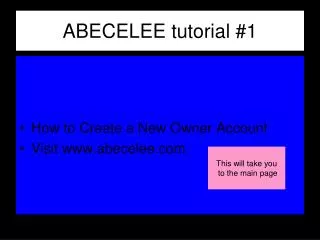
ABECELEE tutorial #1 • How to Create a New Owner Account • Visit www.abecelee.com This will take you to the main page
Click on Sign Up
Fill in all the fields in red. Click on Register.
Wait until ABECELEE sends a message of Confirmation.
ABECELEE tutorial #1 • Thank you for using abecelee.com


More Related