Understanding Computer Software: Types, Functions, and Development Process
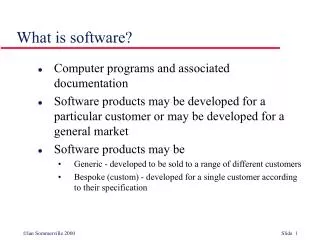
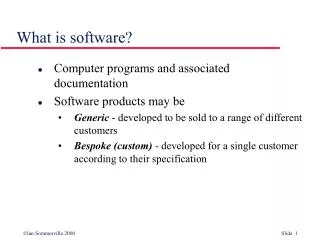
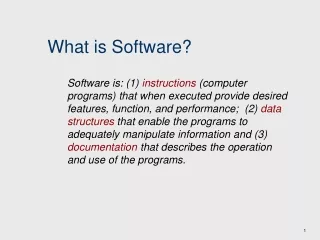
Computer software is essential to operate hardware and perform various tasks. It includes applications, system software, and language translators, which help convert code into a language the computer understands. Significant figures like Grace Hopper, who developed COBOL, contributed to this field, which is multi-step and complex. Operating systems like Windows, MacOS, and Unix serve as the interface between users and computers. Additionally, utility software assists with housekeeping tasks. Understanding software is crucial for maximizing computer functionality.

Understanding Computer Software: Types, Functions, and Development Process
E N D
Presentation Transcript
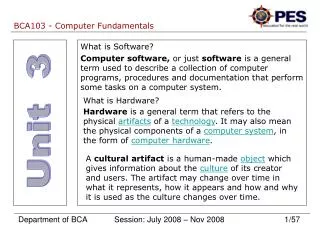
Hardware vs Software Got to have both to get the job done!
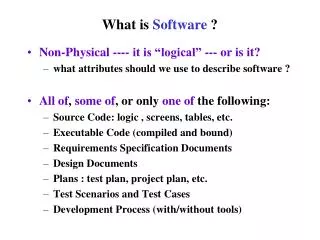
How does Software work? • Algorithms have to be written • Algorithm turned into computer language • Another specialized program turned this language into something the computer understands • Software development – multi-step process • First programmer – Grace Hooper – created FLOW MATIC (later known as – COBOL)
Types of Software • Applications Software • Systems Software • Operating systems • Utilities • Language translators
Operating Systems • Interface between user and the computer • Many brands • Windows – designed for processor Intel • Apple – Mac OS, IOS
Utility Software • Helps perform housekeeping chores • Tasks include: • Antivirus programs • Copy file from hard drive to another location • Convert graphics file so it can be used by another program • Backup copy of hard drive
Language Translators • Converts code written in English to a language the computer can understand • Translator helps computer process data I don’t understand! I need a translator.
Operating Systems • Mac OS • DOS • Windows • Unix – portable operating system (can run on just about any hardware platform) • Networking Operating System – group of two or more computers to be connected • Window NT • Novell’s Netware • IBM’s Warp Server
Operating Systems Statistics • http://www.w3schools.com/browsers/browsers_os.asp
User Interfaces • Determines how user friendly the computer is • Part we interact with when using the computer • Command-line interface such as DOS • Graphical interfaces such as Windows
Command Line • Early computers used only this • Have to memorize codes • Not very user friendly • Not colorful – usually written in black and white • No pictures
Graphical User interfaces • Came about with menus • Graphical user interface (GUI) • Came about with Apple’s development of Macintosh Finder • Pictures (icons) represent software • Colorful • Contributed to the explosion of computer use.
Project • See website for assignment