Download
1 / 12
120 likes | 217 Views
Learn how to upload images for craft show vendors by following these step-by-step instructions, ensuring you are logged in as admin1. Find and select the vendor, upload the image, and finalize the process to display the image successfully.

E N D
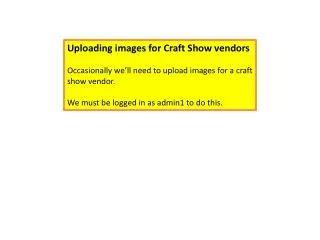
Uploading images for Craft Show vendors Occasionally we’ll need to upload images for a craft show vendor. We must be logged in as admin1 to do this.
Find the vendor who you need to upload the image. Elect Find User Enter the Keywords Select search
1. Enter the image title 2. Select “Choose File” 3. Select the image 4. Select “Open”
Expand the “Authoring information” area Paste the “user name” of the vendor in the “Authored by” field Select “Submit”
It’s normal for the image to NOT show up on the next screen Select the back button twice(?) to go back to the vendor’s account.