Download

1 / 11
How to Log into Gaggle
110 likes | 290 Views
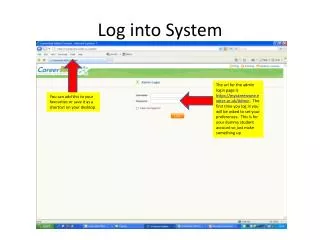
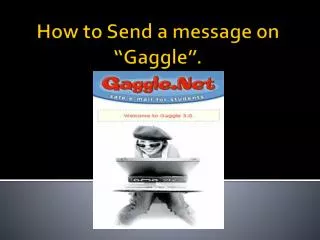
How to Log into Gaggle. Step.1 Go on the internet. Step.2 Type in “gaggle”. Step.3 Click on the first one that you see. Step.4 Click on “Customer Login”. Step.5 Type in your Email (school email) which is; First Initial Last Name Student ID @ student.PUSD.org.

Download Presentation 
How to Log into Gaggle
An Image/Link below is provided (as is) to download presentation
Download Policy: Content on the Website is provided to you AS IS for your information and personal use and may not be sold / licensed / shared on other websites without getting consent from its author.
Content is provided to you AS IS for your information and personal use only.
Download presentation by click this link.
While downloading, if for some reason you are not able to download a presentation, the publisher may have deleted the file from their server.
During download, if you can't get a presentation, the file might be deleted by the publisher.
E N D
Presentation Transcript
Step.5 Type in your Email (school email) which is; First Initial Last Name Student ID @student.PUSD.org
Step. 9 To log out of gaggle just go to the top right hand corner and there’s the log out button





More Related