Creating Interactive Message and Dialog Boxes in .NET
The .NET framework offers a straightforward way to create message and dialog windows for user interaction through the MessageBox class and custom forms. The MessageBox class provides a versatile Show method to display messages, buttons, and icons, with multiple overloads for customization. Alternatively, the ShowDialog method allows for the creation of custom modal forms that can contain any controls and fields needed. By implementing buttons tied to the DialogResult enum, developers can effectively manage user responses within their applications.

Creating Interactive Message and Dialog Boxes in .NET
E N D
Presentation Transcript
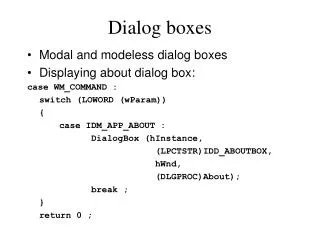
Message and Dialog Boxes .NET provides a set of classes and enumerations that make it easy to create a message or dialog window to interact with a user. The simplest approach is to use the MessageBox class and its versatile Show method. The other approach is to create a custom form and invoke it with the form's ShowDialog method. Both of these methods create modal forms.
MessageBox The MessageBox class uses its Show method to display a message box that may contain text, buttons, and even an icon. The Show method includes these overloads: Syntax : • static DialogResult Show( string msg) • static DialogResult Show( string msg, string caption ) • static DialogResult Show( string msg, string caption, MessageBoxButtons buttons ) • static DialogResult Show( string msg, string caption, MessageBoxButtons buttons, MessageBoxIcon icon, MessageBoxDefaultButton defBtn )
ShowDialog The ShowDialog method permits you to create a custom form that is displayed in modal mode. It is useful when you need a dialog form to display a few custom fields of information. Like the MessageBox , it uses buttons to communicate with the user. The form used as the dialog box is a standard form containing any controls you want to place on it. Although not required, the form's buttons are usually implemented to return a DialogResult enum value. The following code handles the Click event for the two buttons shown on the form in Figure. private void buttonOK_Click(object sender, System.EventArgs e) { this.DialogResult = DialogResult.OK; } private void buttonCancel_Click(object sender, System.EventArgs e) { this.DialogResult = DialogResult.Cancel; }