
Other PICS developments
Discover the new developments in PICS, featuring advanced course management capabilities, including tracking qualifications, managing enrollments, sessions, and attendance resources. Our visual progression report offers comprehensive learner insights, enabling detailed analyses of risk bands. Additionally, experience the innovative vacancy matching functionality that connects applicants and learners with employers to improve job placements. With secure remote access via PICSRemote, enhanced data controls, and a robust ILR importer, PICS continues to evolve, delivering powerful tools for efficient educational management.

Other PICS developments
E N D
Presentation Transcript
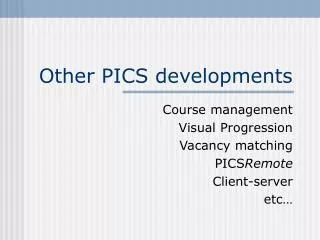
Other PICS developments Course management Visual Progression Vacancy matching PICSRemote Client-server etc…
Course management • From Tracking Qualifications to • Tracking Courses delivering the Qualifications • Courses • Enrolment • Sessions • Attendance • Resources • Demo version available in August
Visual progression report • Overview of learner progress • Drill down into detail • set learner risk band from this • Accuracy depends on recording • percentage done • elements done • units done
Vacancy matching • New feature in PICS and PAMS • match Applicants with Employers (PAMS) • match PLP Learners with Employers (PICS) • match JCP Learners with Employers (PICS) • Best with PostCoder data
PICSRemote • Access to PICS data over the internet • Reviews, Qualification & Unit Assessments • Officer Diary • Secure and controlled access
AdHoc enhancements • Analysis output • AdHoc Express • easy query building • multiple date ranges
ILR importer • For import from non-PICS systems • producing a valid ILR export file • typically a college FE system • Some key learner details into both • To avoid double-keying: • ILR importer reads valid WBL ILR file • adds any new learners (new ULINs) • but cannot update existing episodes
Client-server • Data migrated to ADS structure • Most reports in SQL • great performance improvements • Increased reliability
Miscellany • Backups: a cautionary tale • Context-sensitive help • press F1 in Switchboard • Log viewer: who did what to whom • lots of filtering • can now export to spreadsheet • Questions, comments, and feedback