
Ergonomic Essentials
E N D
Presentation Transcript
Ergonomic Essentials Presented by: Sandra Shortt, RN Kathryn Carnegis February 19, 2004
In the News … President Bush Cites Federal Workplace Injuries Associated Press- Fri, Jan. 09, 2004 WASHINGTON - Workplace injuries by federal employees cost: • More than $2 billionin workers' compensation losses • 168,000 injury claims • 2 million lost production days a year "Clearly, government agencies should strive to do more to improve workplace safety and health and reduce the costs of injury to workers and taxpayers," Bush said in a memo to federal executives. “Many workplace injuries are preventable."
Definitions Symptoms Risk Factors Prevention Workstation Workout Workstation Setup Team Project Resources & Questions Overview
Definitions • Ergonomics • Musculoskeletal Disorders • Repetitive Stress Disorder
Numbness or Tingling Arm Hands Fingers Range of Motion Reduction Shoulder Arm Hand Symptoms - Pain -
Swelling Joint Muscle Weakened Grip Weakness or Pain Neck Shoulders Back Arm Wrist Hand Symptoms (continued)
Symptoms (continued) • Vision Problems • Blurring • Difficulty Focusing • Headaches • Fatigue
Risk Factors ! • Repetitive motion • Confined or awkward workspace • Lifting and carrying heavy objects • Routinely working with power tools
Seek early diagnosis and treatment for symptoms Stretch everyday (sigh … ) Optimize your work environment Layout Equipment Prevention
Temporary Relief • Ibuprofen for pain and swelling • Alternating ice/heat on affected area • Consult physician promptly if symptoms persist
Vision Focus exercise Eye rolling Cup palms over closed eyes Hands and Wrists Finger stretch & fist Fingertip exercises Thumb pull Workstation Workout * Frequent mini-exercise breaks are recommended
Workstation Workout (continued) • Neck and Back • Head bends (side to side, forward and back) • Head turn • Arms crossed at shoulders & shrug • Arch with linked hands behind back • Full extension (arms & legs as far out as you can)
WorkStation Setup • Neutral Posture • Frequent Breaks • Zones • User • Equipment
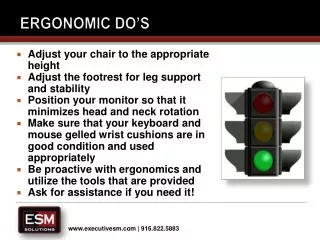
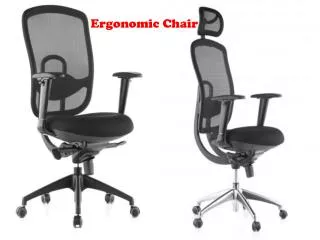
Chair Seat height & tilt Knees bent at 900 Feet flat Arms flat on desk Lower back against chair back Monitor 28-24” away from you Tilt to reduce glare Keyboard & Mouse Placed so that shoulders are relaxed Upper arms at sides Hands level with wrists Office Supplies & Phone Place these items out of armspread reach User Setup
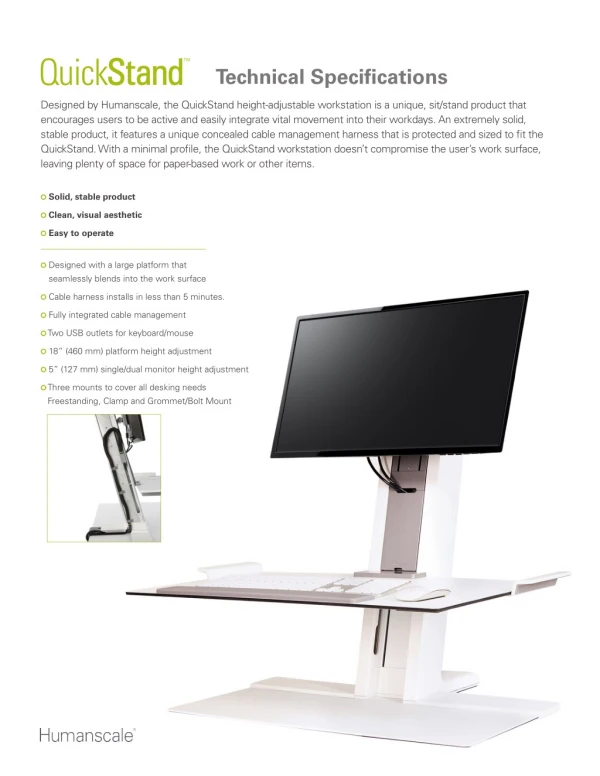
Keyboard position Mouse position Equipment
Optional Equipment • Eyestrain or Headaches • Document Holder • Anti-glare eyeglasses • Anti-glare filters
Optional Equipment(continued) • Wrist or Hand Discomfort • Wrist rest • Wheeled mouse • Ergonomic keyboard • Wrist gloves
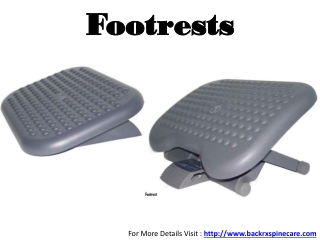
Optional Equipment(continued) • Back, Neck or Shoulder Discomfort • Armed Chair • Keyboard Tray • Footrest • Back support • Telephone headset
Team Project • Break into groups of 3-4 people • Take turns arranging the workspace to “fit” each of you • Review recommendations
Resources and Questions ? www.ergoweb.com ergo.human.cornell.edu www.healthycomputing.com www.3m.com/us/office/ergonomics