
Databases
E N D
Presentation Transcript
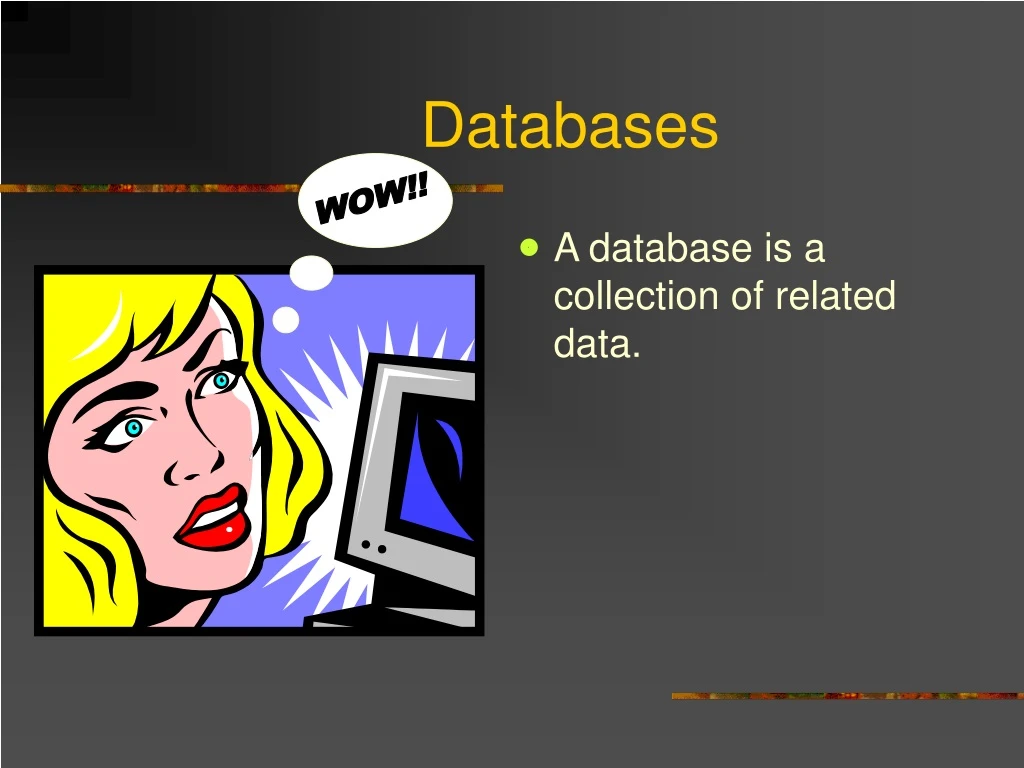
Databases WOW!! • A database is a collection of related data.
Types of databases • Individual • Company • Distributed • Proprietary • Web
Steps to creating databases!! • Always have a plan. • Study the existing manual system focusing on how and what data is collected and used.
Steps (cont.) • Design the basic structure or organization of the database system to have two related tables.
Steps (cont.) • Focus on the first table; Create the table structure by specifying fields, data types and primary key field. • To make the process faster, create a form and enter the data using the form.
Parts of a database • Primary Key • Fields • Record • Tables • Form
Primary Key • The unique identification number • Access will not allow more than one entry in a table to have the same primary key value. • Primary keys are often used to link tables.
Fields • Fields are given field names that are displayed at the top of each table. • Field names describe their contents. • To make tables easy to read and efficient do not use long field names.
Record • Each record contains information about one item in a given group. • A record typically includes a combination of numeric, text, and object data types.
Table • Tables are the basic element in a relational database. • Tables make up the basic structure of a database with columns containing field data and rows containing record information.
Form • Like printed paper forms, electronic forms should be designed to be easy to read and use.