How to Register for Fall 2010-2011 Courses with Waiting List Instructions
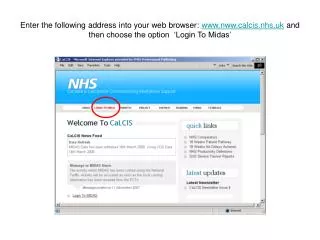
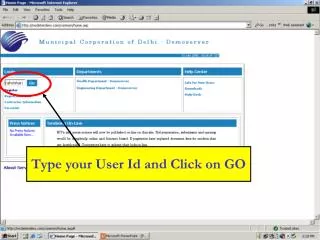
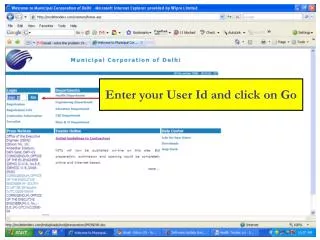
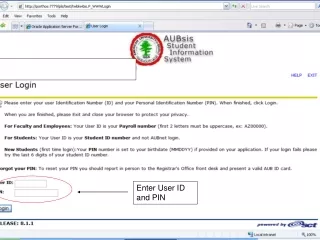
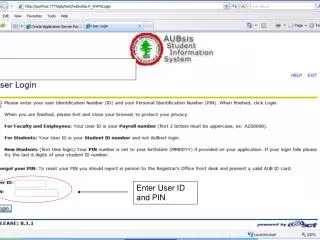
This guide provides step-by-step instructions for students on how to register for courses for the Fall Term of 2010-2011. Begin by entering your user ID and PIN, then select 'Student Services' followed by 'Registration'. Input the CRN of your desired course; if it has an active waitlist, select 'Waitlisted' to place your name on the list. After receiving approval via AUB email, drop yourself from the waitlist and register for the course with the provided CRN. Follow these steps carefully to ensure successful registration.

How to Register for Fall 2010-2011 Courses with Waiting List Instructions
E N D
Presentation Transcript
If the course has an active waiting list the status will be as such.
When approval is given to you ,an automated e-mail will be sent to your AUB e-mail address, then you do the following to register as a regular student
Enter CRN of the course that you were allowed to register in Click Submit Changes