
Uploaded by
grover
5 SLIDES
179 VIEWS
50LIKES
Resolving Thousand Separator Issues and Loading Data with Ease
DESCRIPTION
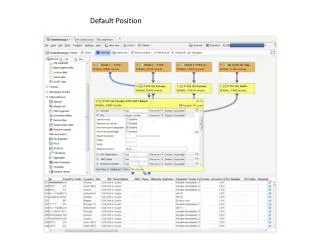
Learn how to manage the visibility of column separators in your data management interface. After loading the dataset, you'll notice that the NIC column does not display comma separators. By collapsing the NIC column and reloading, the red load button will appear again, allowing you to check and ensure that commas are now present in the NIC column. Expand the NIC field to verify that the formatting is correct. This guide helps you streamline your data interaction process.
Download
1 / 5
Download Presentation 
Resolving Thousand Separator Issues and Loading Data with Ease
An Image/Link below is provided (as is) to download presentation
Download Policy: Content on the Website is provided to you AS IS for your information and personal use and may not be sold / licensed / shared on other websites without getting consent from its author.
Content is provided to you AS IS for your information and personal use only.
Download presentation by click this link.
While downloading, if for some reason you are not able to download a presentation, the publisher may have deleted the file from their server.
During download, if you can't get a presentation, the file might be deleted by the publisher.
E N D
Presentation Transcript
















More Related