Mastering 1-Point and 2-Point Perspective Drawing Techniques
Discover how to create stunning 1-point and 2-point perspective drawings with our step-by-step guide. Start by establishing a horizon line and a vanishing point for 1-point perspective, then proceed to sketch walls and the tunnel's end. For 2-point perspective, set two vanishing points on the horizon line to draw buildings and create a sense of depth. Learn to incorporate guidelines for accurate proportions and erase unnecessary lines for a polished finish. Perfect your skills in drawing realistic structures and scenes with this comprehensive approach to perspective.

Mastering 1-Point and 2-Point Perspective Drawing Techniques
E N D
Presentation Transcript
1. Perspective
2. 1 point perspective
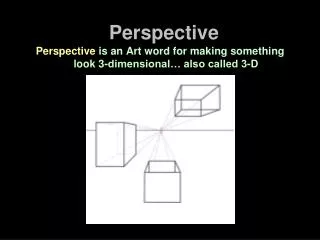
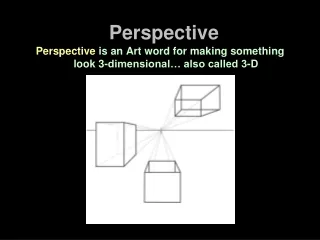
3. Step 1 We are going to create a tunnel. To start draw a horizon line preferably across the middle of your paper, then choose a point to be the vanishing point.
4. Step 2 Using a ruler create your two walls. The lines should start from your vanishing point and go out from there.
5. Step 3 Choose a place to draw the end of the tunnel. Make sure that the walls are straight, and that the roof is drawn between the tops of the two walls.
6. Step 4 Create another tunnel just beyond the first one. Use the same method as before, after you are done erase all the lines that don't belong.
7. Examples Student work:
High School hallway
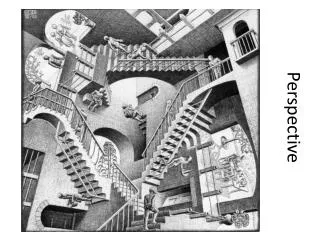
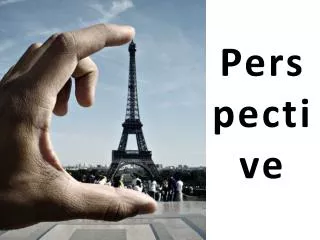
8. What is perspective?
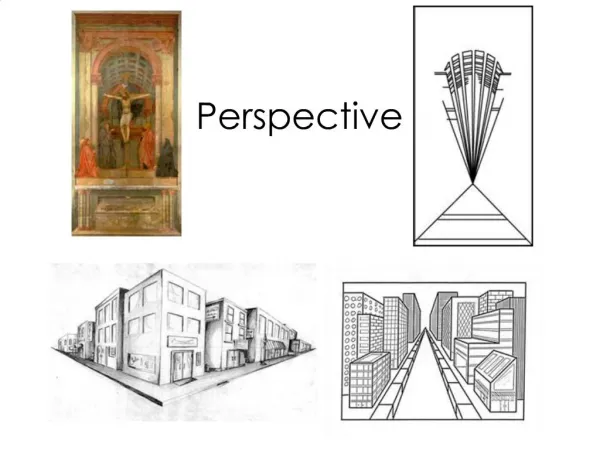
In two point perspective, there are two vanishing points on the horizon line. Every line except vertical ones will converge onto one of the two vanishing points.
9. Step 1 Draw a horizon line and make two points on the line.
10. Step 2 Building 1, draw a vertical line, from
your two points draw the roof and the
floor of the building.
11. Step 3 Distance is tricky: divide the bottom line in half, and then in half again, and then in half again. This will make it seem as if equal-sized buildings are next to each other.
12. Step 4 Now draw in guidelines to make other buildings on the block. Remember, every non-vertical line must converge on one of the two vanishing points.
13. Step 5 Finally, erase the guidelines that you don't need, and get ready to add windows, cars, people, and what-ever else fills your imagination