Comprehensive Guide to Requesting NDFD Coverage with WGDS
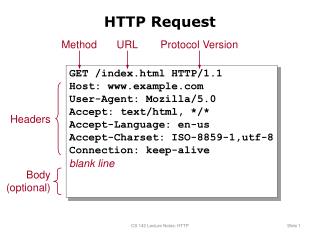
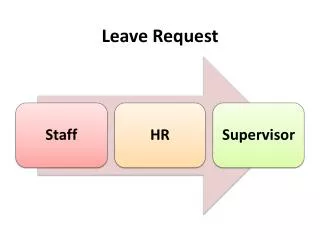
This guide outlines how to effectively request NDFD coverage using WGDS. Users can specify weather elements, select points, and define time windows to customize their data request. Optional parameters include XML document type, with options for WXXM or DWML, and unit preferences for English or metric systems. The response will be provided in an OGC-compliant format, ensuring ease of integration for various applications. Gain insights into weather data coverage tailored to your needs while leveraging industry-standard protocols for data exchange.

Comprehensive Guide to Requesting NDFD Coverage with WGDS
E N D
Presentation Transcript
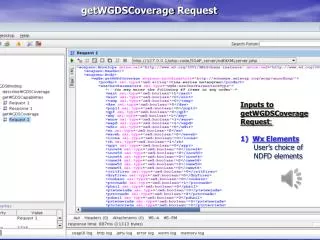
Inputs to getWGDSCoverage Request: • Wx Elements • User’s choice of • NDFD elements getWGDSCoverage Request
Inputs to getWGDSCoverage Request (cont): 2) List of Points 3) startTime/endTime: Times used to shorten the data window. Optional (not needed if all possible data wanted) 4) XMLDocType: Type of XML chosen, WXXM or DWML 5) Unit Default is “e” for English standard units for WXXM and DWML. Only DWML will accept “m” for metric units. getWGDSCoverage Request (cont)
Response to getWGDSCoverage: NDFD data encapsulated in OGC compliant WXXM getWGDSCoverage Response
Response to getWGDSCoverage (cont): NDFD data encapsulated in OGC compliant WXXM getWGDSCoverage Response (cont)
Response to getWGDSCoverage (cont): NDFD data encapsulated in OGC compliant WXXM getWGDSCoverage Response (cont)