Download
1 / 16
160 likes | 280 Views
This guide outlines the step-by-step process for staff and managers to place and approve orders on our website. Staff will learn how to log in, select products, modify order quantities, and add special messages. After submission, orders await manager approval. Managers can log in to review orders, approve them, or request modifications. Each step is clearly detailed, ensuring a smooth ordering and approval process. Follow these instructions to efficiently manage orders from start to finish.

E N D
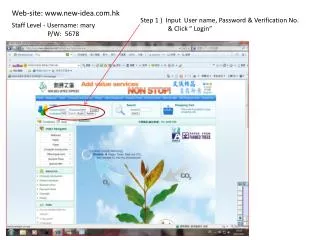
Web-site: www.new-idea.com.hk Step 1 ) Input User name, Password & Verification No. & Click “ Login” Staff Level - Username: mary P/W: 5678
Step 3 ) Select product according to contract / tender items & Click “Add to cart”
Order total amount will be show on here Click “Next” to next step
Step 7 ) Add your PO No. or amend the pre-set contents ( e.g. address & Dept. name etc..) & click “ Next”
Step 9 ) Click “Close” to complete all procedure & that means you have send this order to your Manager for approval already & click “Logout” for completed
You can see the status is waiting for your Manager to approve, at the same time, your Manager will automatic having received a email to remind him/her to check the user order
Click “Order number” check order contents or take your order printout for record.
Manager Level - Username: kitli P/W: 1234 Step 1 ) Input User name, Password & Verification No. & Click “ Login”
If you feel OK, please click “Pass”. Otherwise you may send a message to your staff and then click “Withdrawal”. The message will pass back to them amend.