Enhance Your Learning: Request Online Examination Copies with CourseSmart
110 likes | 248 Views
Discover how to effectively search for academic resources using attributes such as title, author, keywords, and ISBN on CourseSmart. Our Macro Search feature simplifies your experience, showcasing relevant results tailored to your needs. Need assistance? Our 24/7 Help Desk at 866-588-3197 is always ready to support you. To get started, visit your Desire2Learn homepage and click on the CourseSmart logo. Access online examination copies and elevate your educational journey today!


Enhance Your Learning: Request Online Examination Copies with CourseSmart
E N D
Presentation Transcript
Search results for macro searches– show results of what happens when an instructor searches on attributes title, author, keyword, ISBN. Topic (Macro) Search
Screen shot of “Request Online Examination Copy” Selecting an Examination Copy
Technical Support: • http://support.coursesmart.com/ • Help Desk 24/7 Hotline: 866-588-3197 Support
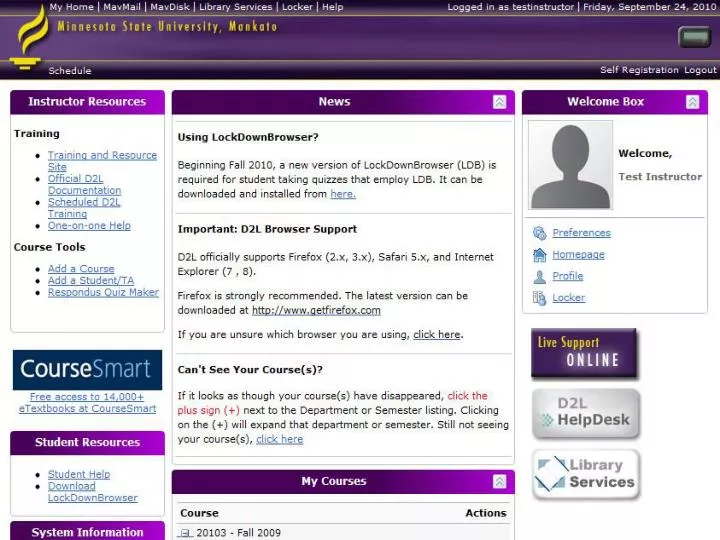
Go to your Desire2Learn home page • Click on the CourseSmart logo Get started today!