
Essential Computer Components and Accessories Overview
Explore the key components that make up a computer system, including the central processing unit (CPU), monitor, keyboard, mouse, and audio peripherals like headphones and speakers. Learn about storage options from USB drives to Blu-ray discs and understand the importance of software, file management, and user interfaces that enhance your productivity. We also discuss additional tools like printers and webcams, highlighting their functionality in a modern digital setup. Whether you're using a laptop, desktop, or tablet, this guide covers it all.

Essential Computer Components and Accessories Overview
E N D
Presentation Transcript
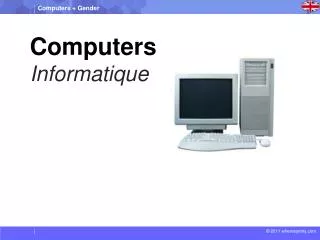
Computers Informatique
Monitor Central Processing Unit [CPU] Keyboard Headphone Speakers Mouse
Webcam Wire Blue-Ray-Disc USB Software File Folder
Desktop Laptop iPad Printer
Name the Images 3] 1] 2] 6] 4] 5]
Name the Images 3] 2] 1] 6] 4] 5]