Download Presentation 
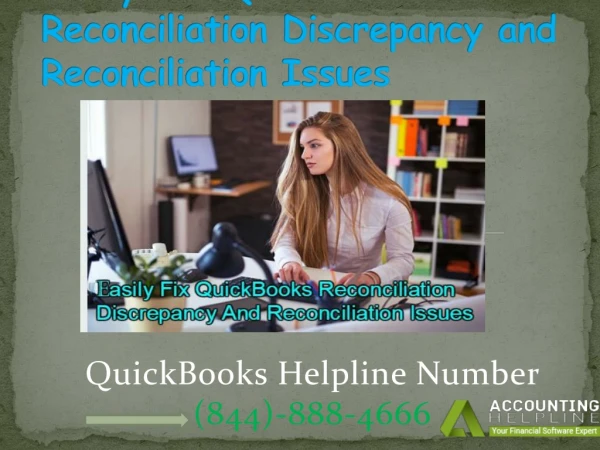
Resolve QuickBooks Reconciliation Discrepancy.
An Image/Link below is provided (as is) to download presentation
Download Policy: Content on the Website is provided to you AS IS for your information and personal use and may not be sold / licensed / shared on other websites without getting consent from its author.
Content is provided to you AS IS for your information and personal use only.
Download presentation by click this link.
While downloading, if for some reason you are not able to download a presentation, the publisher may have deleted the file from their server.
During download, if you can't get a presentation, the file might be deleted by the publisher.
E N D
Presentation Transcript
Resolve QuickBooks Reconciliation Discrepancy. Any missed checks are shown in this report. These might be offsetting your reconciliation's final balance. Activate the Reports menu. Select Missing Checks under Banking. Choose the account you want to reconcile, then click OK. Analyze the report. Search the report for any transactions that don't appear on your bank statement. They shouldn't be on your reconciliation if they aren't on your bank statement. For more visit our blog on QuickBooks Reconciliation Discrepancy.


More Related

Audio
Live Player