Download
1 / 12
120 likes | 227 Views
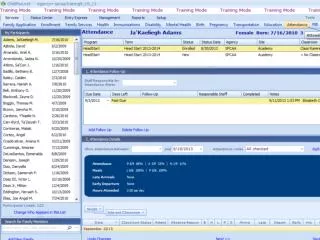
This module provides a step-by-step process for handling attendance follow-ups for students who were absent. If a child is marked as absent, you need to select "Past Due Hit" and add follow-up notes by selecting "Attendance Notes." Document the date you contacted the parent and summarize their response in the notes section. After inputting these notes, you can return to "Attendance Notes" and select the completion date. The system, Child Plus, will automatically update the status to "complete" once the follow-up is recorded.

E N D