Download
1 / 9
140 likes | 481 Views
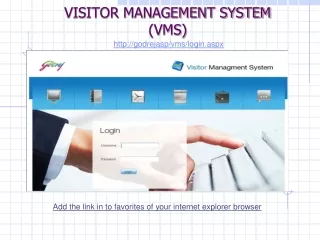
The Visitor Management System (VMS) simplifies the appointment scheduling process for both single and groups of visitors. Users can easily access the system using their HRIS ID and password. The VMS allows you to fill in requisite details for one-day appointments, whether it’s for individual visitors or groups from the same organization with a common purpose. It also provides options to manage multiple-day appointments and view appointment summaries. An optional facility for hosts to regulate visitor exits is included, ensuring a smooth and efficient process.

E N D
http://godrejasp/vms/login.aspx VISITOR MANAGEMENT SYSTEM (VMS) Add the link in to favorites of your internet explorer browser
Access to the VMS Use HRIS ID Use HRIS Password
One day appointment (Single visitor) Select One Day Appointment Fill the requisite details To reset the filled details To Exit To save the appointment
One day appointment (Group of visitors*) Fill the Nos of visitors Fill the names of visitors Select One Day Appointment * Only for the visitors of same organization, for common purpose of visit. To reset the filled details To Exit To save the appointment
Multiple days appointment Fill the requisite details Select multiple day appointment Fill the desired period To reset the filled details To Exit To save the appointment
Appointment Summary To view the appointments Select the category To edit/update the appointment
Mark visitor Fill the reason Select the mark visitor Mark the relevant box Fill the hosts contact no. To save the appointment This is the optional facility, provided to host, for regulating the visitor’s exit from the campus.