Enhance Your Programming Skills: Variables, Mouse Tracking, and Custom Methods in Processing
Unleash your creativity with Processing by exploring dynamic variables and mouse tracking. Understand how mouseX and mouseY provide the real-time position of your cursor. Learn to manipulate window properties—analyze width and height for adaptable designs. Create visually engaging shapes, such as circles that follow the mouse or rectangles centered around it. Dominate methods by defining reusable code blocks like setup and draw, or crafting custom functions like drawEyes. Elevate your coding proficiency in an interactive environment!


Enhance Your Programming Skills: Variables, Mouse Tracking, and Custom Methods in Processing
E N D
Presentation Transcript
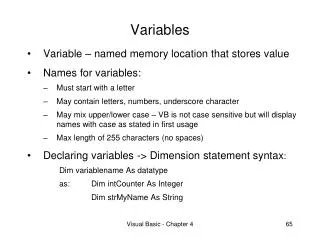
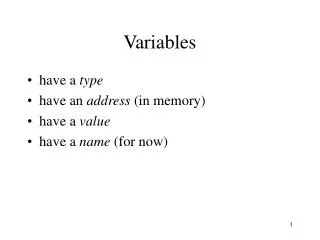
Variables • Processing gives us several variables to play with • These variables are always being updated and you can assume they have the right value • Watch your spelling!
Mouse Location • mouseX tells the X location of the mouse • mouseY tells the Y location of the mouse
Window Properties • width tells the width of the window currently (even if you resize) • height tells the current height of the window height width
What can you do with that? • Draw a circle that follows the mouse: • ellipse(mouseX, mouseY, 20, 20); • Draw a rectangle (60x40) centered around the mouse: • rect(mouseX-30, mouseY-20, 60,40); • Draw a box, centered, exactly ½ the size of the window: • rectMode(CENTER); • rect(width/2, height/2, width/2, height/2);
Coding with methods • Notice the “chunks” of code, like setup and draw: public void draw(){ <- Code goes in here. }
Coding with methods • Notice the “chunks” of code, like setup and draw: public void draw(){ <- Code goes in here. } We can make our own: public void drawEyes(){ ellipse(50,50,10,10); ellipse(20,50,10,10); }
Coding with methods • Notice the “chunks” of code, like setup and draw: public void draw(){ drawEyes(); Now call the method in } the draw() section. We can make our own: public void drawEyes(){ ellipse(50,50,10,10); ellipse(20,50,10,10); }