Java Timer and Applet Basics for Web Development
Learn how to utilize javax.swing.Timer for timing tasks and Java applets for web browsers. Understand differences between applets and applications, and grasp basics of HTML layout managers.

Java Timer and Applet Basics for Web Development
E N D
Presentation Transcript
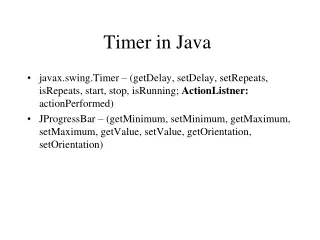
Timer in Java • javax.swing.Timer – (getDelay, setDelay, setRepeats, isRepeats, start, stop, isRunning; ActionListner: actionPerformed) • JProgressBar – (getMinimum, setMinimum, getMaximum, setMaximum, getValue, setValue, getOrientation, setOrientation)
Java Applet • HTML/XHTML • Web browsers with Java plug-in/Applet container • Load the class • Create an object • Call init, start, paint • Applet Life-Cycle methods: init, start, stop, and destroy.
Applet vs. Application • JApplet vs. JFrame/JPanel • An applet can always be converted to an application • An application can be converted to an applet if no applet security rules are violated.
Simple HTML Example <html> <head> <title>One Minute Timer</title> </head> <body> <applet code = "TestTimer.class" width = 270 height = 300> </applet> </body> </html>
Layout Managers • null: absolute positioning • FlowLayout: sequentially form left to right; default for JPanel • BorderLayout: five areas: NORTH, SOUTH, EAST, WEST, and CENTER; default for JFrame • GridLayout: rows and columns