Google SEAECH CONSOLE
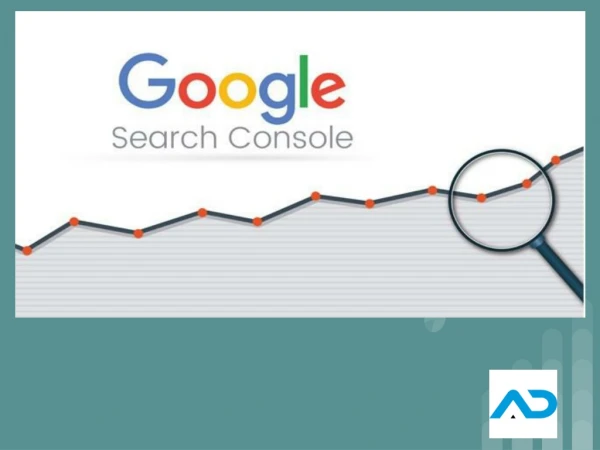
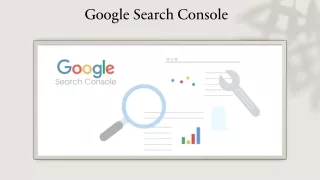
In this ppt you will know about Google search console performance, indexing status and how to setup google search console and external links internal links and other requirement points of google search console.ttt


Google SEAECH CONSOLE
E N D
Presentation Transcript
GOOGLE SEAECH GOOGLE SEAECH CONSOLE CONSOLE
Overview 2 By checking overview we can see the performance of the website such as Impressions, Clicks CTR, and Average position.
PAGE INDEXING The Page Indexing Report is located under the Indexing section. It Shows you which pages Google Can Find And Index, Plus any related lssues .
SITEMAPS SITEMAPS Sitemap File Includes All the website URLs you Want Google And Index.
REMOVALS REMOVALS 5 The Removals Tool in Google Search Console Allows users to temporarily block URLs From Google Search results.
HTTPS HTTPS 6 The HTTPS report shows how many indexed URLs On you Site are HTTP vs HTTPS.
LINKS LINKS 7 The Links Report helps you track your external links ,
THANK YOU THANK YOU www.digitalpundit.in