Download

1 / 14
0 likes | 8 Views
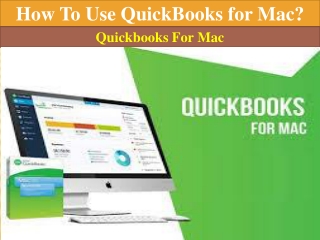
To guarantee compatibility and data integrity, converting QuickBooks files from Mac to Windows needs to be done in a systematic manner. This entails exporting the Mac file as a.qbb backup, updating QuickBooks, and confirming and restoring data. After that, the file is moved to a Windows machine, restored in QuickBooks for Windows, and its discrepancies are examined. To guarantee correctness after conversion, users need to review financial reports, customer lists, and settings. Verifying data and eliminating special characters can fix common problems like missing transactions or format errors.

E N D




![Troubleshooting QuickBooks for Mac Errors [Complete Guide]](https://cdn4.slideserve.com/8170753/slide1-dt.jpg)