Download

1 / 5
50 likes | 73 Views
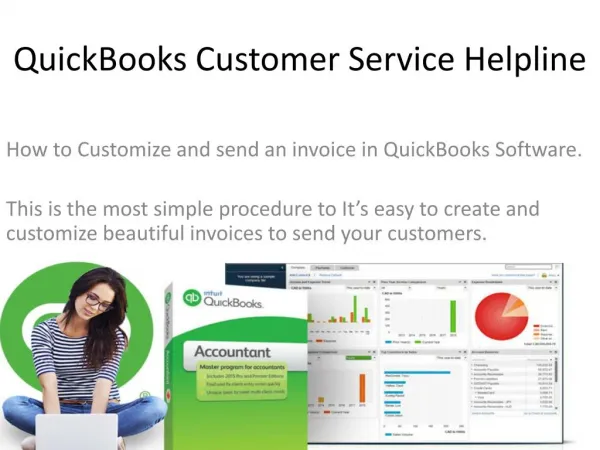
To set the invoice number, first you need to change the company setting. Then click the gear icon in QuickBooks and then click on u201cSales Form Entry.u201d In the Custom Numbers section, check the box next to u201cCustom transaction numbersu201d and then click u201cSave.u201d You can now edit all the number fields on your sales forms, including the invoice number. After you edit a number in an invoice and either save it or send it, QuickBooks will remember the new invoice number and continue the sequence.<br>

E N D
How to Change Invoice Numbers in Quickbooks Online https://www.currace.com/how-to-change-invoice-numbers-in-quickbooks-online/
Customizing Your Phone Number To set the invoice number, first you need to change the company setting. Then click the gear icon in QuickBooks and then click on “Sales Form Entry.” In the Custom Numbers section, check the box next to “Custom transaction numbers” and then click “Save.” You can now edit all the number fields on your sales forms, including the invoice number. After you edit a number in an invoice and either save it or send it, QuickBooks will remember the new invoice number and continue the sequence.
How do I Change the Invoice Number? You can change the Invoice number by editing the Invoice Number field while creating or editing an Invoice. The Invoice Number is alphanumerical, so you can use both letters and numbers. In new accounts, the invoice number is automatically 0000001 by default. Your account will automatically remember the last Invoice number you used, and automatically ● increment it +1 on your next Invoice. For example, if your Invoice is numbered FB002017-394 and you’ve saved this Invoice, your next Invoice Number will automatically be FB002017-395. The same Invoice Number can’t be used twice ●
Steps to Change the Invoice Number 1. 2. Go to the Invoices tab If the Invoice is active or archived, find it and click on the edit link. Then you can change the number to something else (to free up the original number) If the Invoice is deleted, click on the deleted link in the bottom right corner Check the box off next to the Invoice and click on the Un-delete button Click to the Invoices tab again, and edit the newly restored Invoice Change the number to something else to free up the original number Click Save to finish Then delete the original Invoice if you no longer want to keep it, by checking the box off and clicking on the Delete button. 3. 4. 5. 6. 7. 8.
Thank You I hope this article of mine helped you to be more clarified about how you can change the Invoice Number in QuickBooks Online Read More - https://www.currace.com/how-to-change-invoice-numbers -in-quickbooks-online/